

The Live2D Student Discount Program
How-to Guide
The Live2D Student Discount Program allows students and faculty at educational institutions (elementary/middle/high/vocational schools, universities, etc.) to receive a 76% OFF coupon for a 3-year Live2D Cubism Editor PRO subscription.
To apply for the Student Discount, you will need to provide proof of eligibility via a student email address, credentials etc.
You can apply by entering your email address in the empty form via the English page below:

Live2D

Live2D

Live2D
Live2D
Live2D
Live2D
Live2D
Live2D
Bring Your Characters to Life in Your Game — Animate Them with Live2D®!
“Live2D Toolkit” is an expansion DLC that lets you import Live2D models created with Live2D Cubism into games made with RPG Developer Bakin.
Create memorable character scenes with animated character portraits and expressive performances.
== Main Features ==
[ Import Live2D Models ]
Easily import Live2D models into your Bakin projects.
[ Use Models Both In-World and On-Screen ]
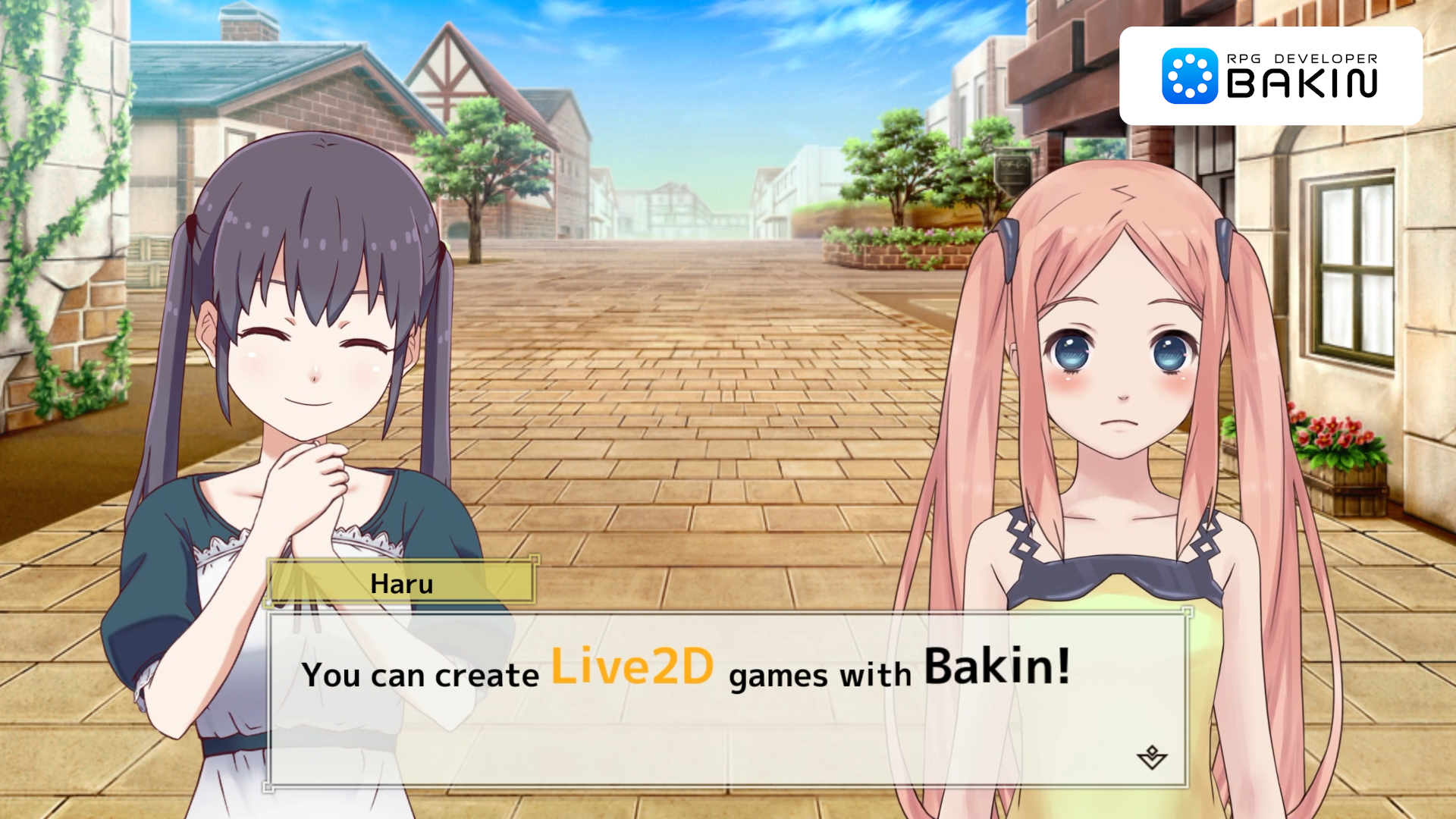
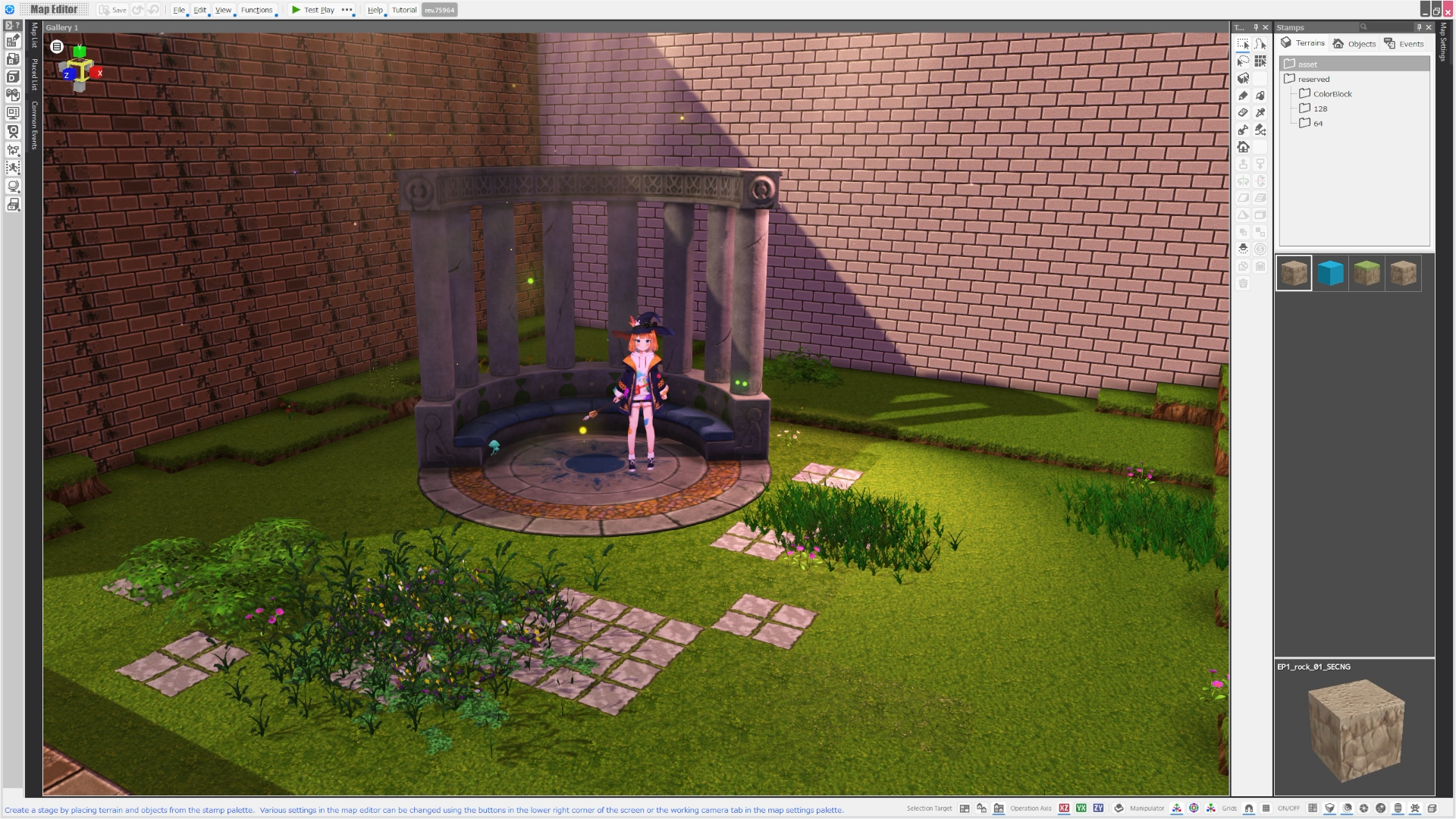
Imported Live2D models can be placed directly on 3D maps or displayed on-screen through the Display Image Panel and Conversation Panel.
In both cases, you can change expressions and play motions depending on the scene.
[ Supports Lighting and Post Effects ]
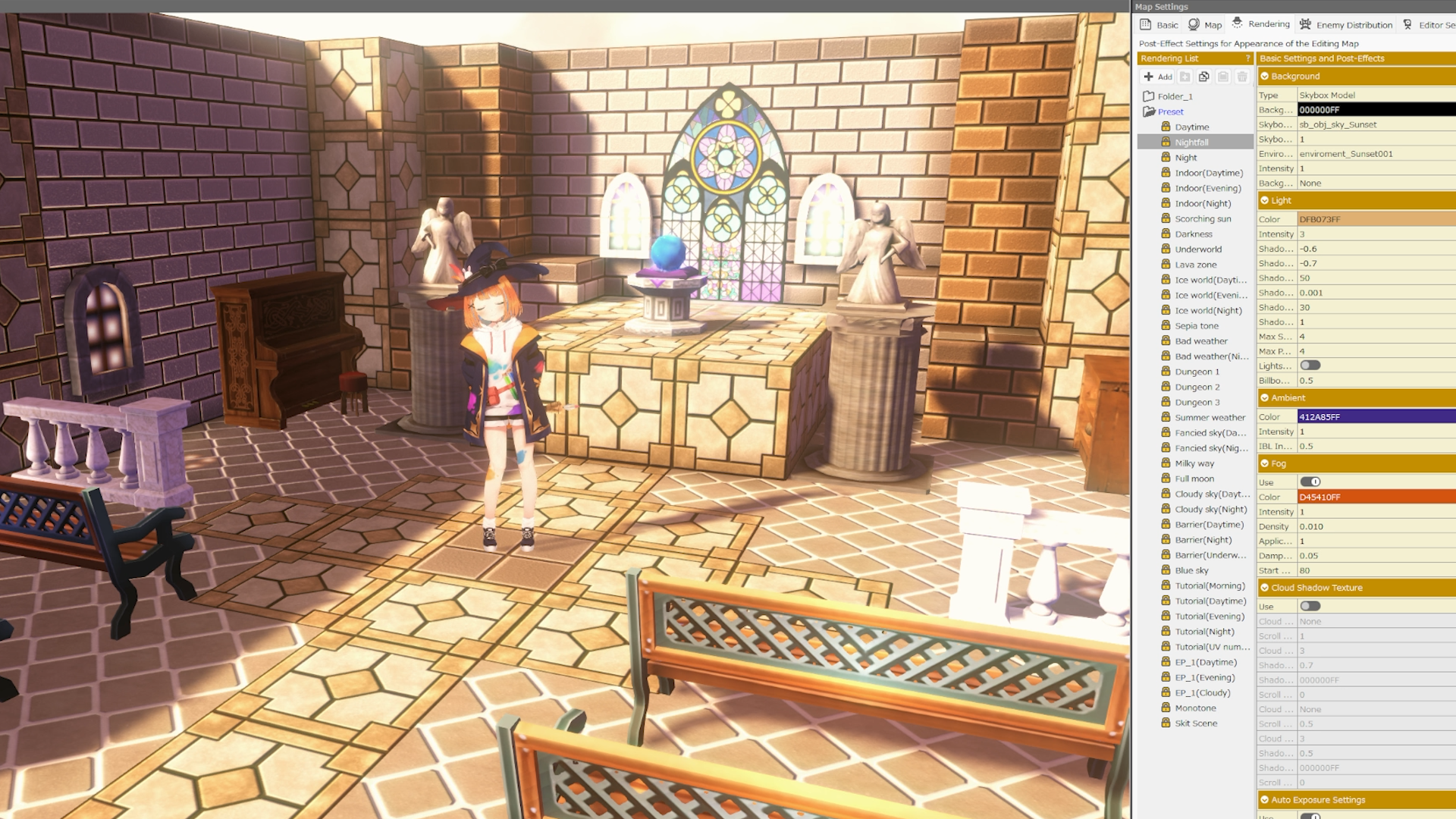
Live2D models placed on 3D maps can use Bakin local lighting and post-processing effects.
Blend characters naturally into the atmosphere of your scenes.
[ Display Multiple Models at Once ]
You can place and display multiple Live2D models simultaneously on 3D maps and in the Display Image Panel.
The Conversation Panel supports up to two models at the same time, making character conversations feel more natural.
[ Automatic Breathing, Blinking, and Lip Sync ]
Imported Live2D models automatically play breathing and blinking animations.
When displayed in the Conversation Panel, lip sync is automatically applied while dialogue text is shown.
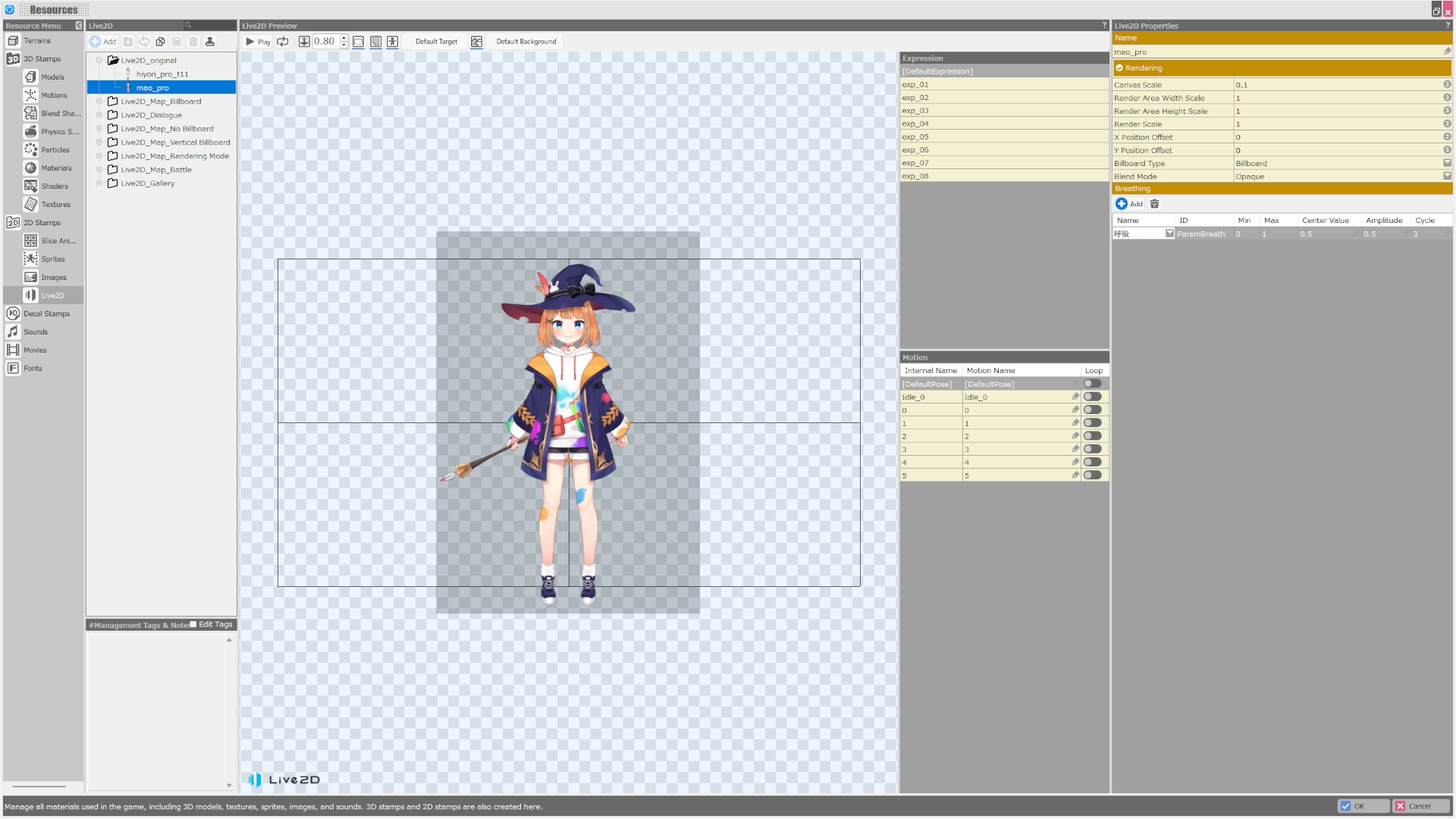
Breathing parameters can also be added and edited from the resources menu.
[ Control Motions and Expressions from the Event Panel ]
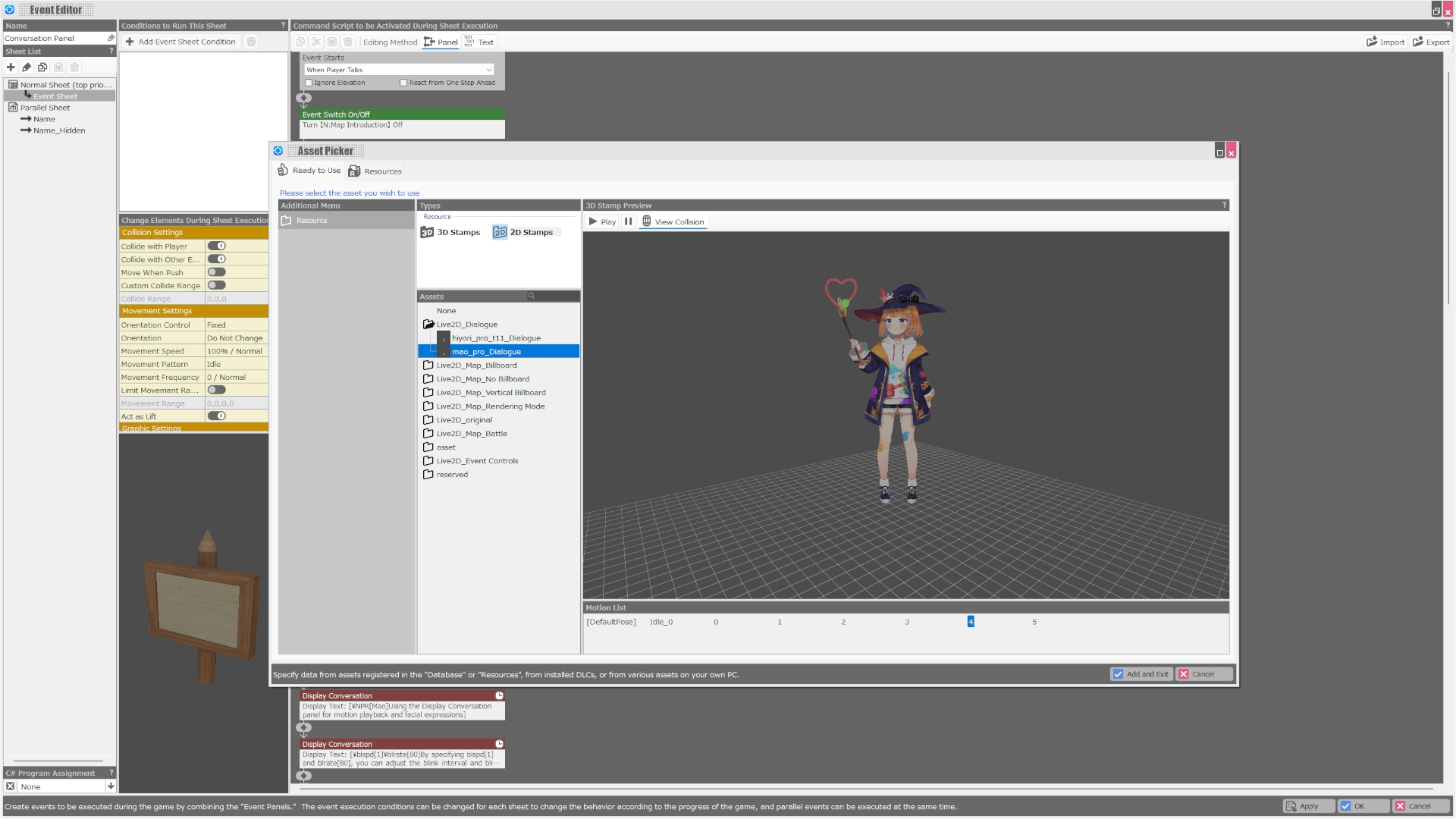
Play motions and switch facial expressions for Live2D models directly from Bakin’s Event Panel.
Create scenes like “smile here” or “play motion here” simply by arranging commands.
[ Includes a Sample Project ]
After purchasing the DLC, you can download and use a sample project featuring Live2D.
See practical examples of model placement and Event Panel controls in a real project.
© SmileBoom Co.Ltd.
This page is a listing in the Live2D Database, a catalog of works that use Live2D. Works listed here are provided by their respective publishers and are not official apps or official products of Live2D Inc.